
Page Builder Sandwich vs Elementor

The comparison Page Builder Sandwich published with its listing, against its main competitor, Elementor.
Page Builder Sandwich works within WordPress's native block editor, or a dedicated full-screen editor it provides, and stores plain blocks. The result is lighter pages that remain legible if the plugin is removed. Elementor takes a different route, swapping the WordPress editor for a canvas of its own where elements are dragged into place.
Page Builder Sandwich stands out
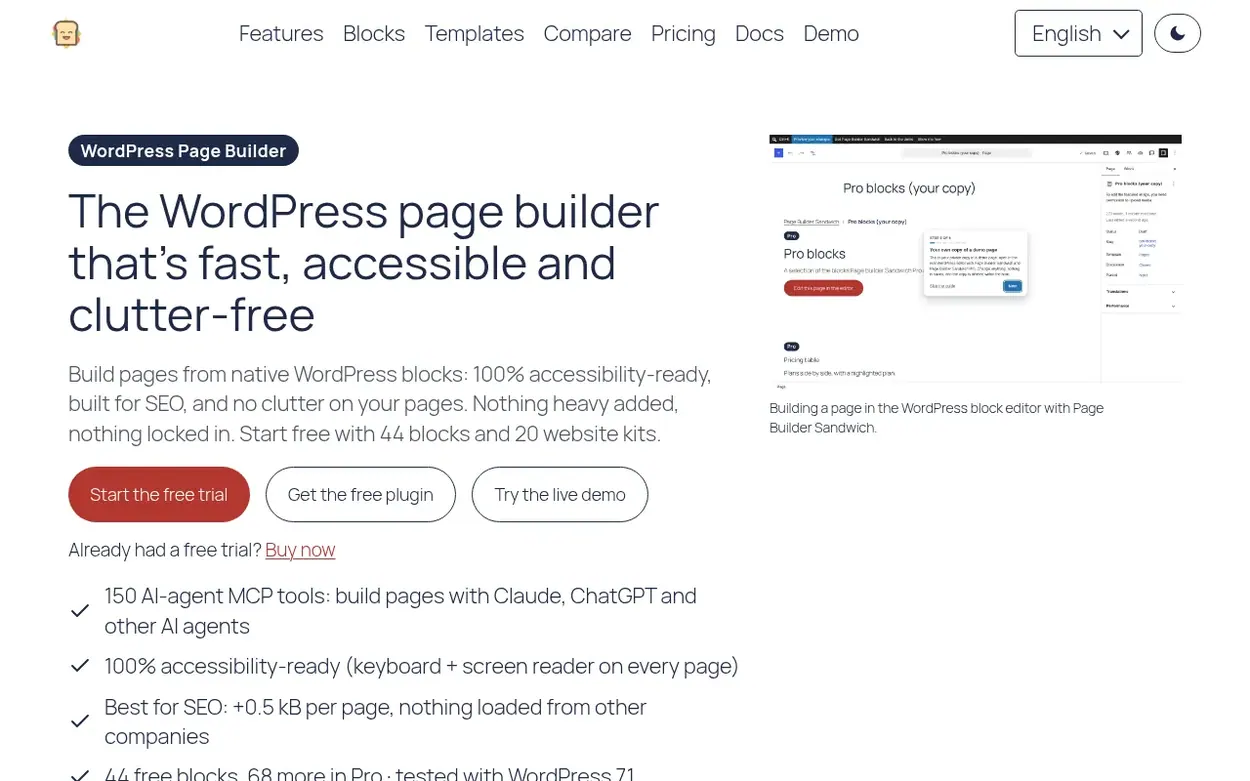
- Because every page is stored as standard WordPress blocks, no single builder holds your content hostage.
- Tested on one identical page, it contributed +0.5 kB with zero external requests, whereas the Elementor free plugin contributed +156.4 kB plus 3 requests to servers belonging to other companies.
- The free plugin already includes the accessibility checker.
- The Pro version turns Elementor pages into blocks, leaving the original page untouched.
Elementor is strong

- Its live drag-and-drop canvas is familiar to a great many WordPress users.
- The sizeable free plugin comes with plenty of widgets covering headings, images, buttons and galleries.
Both
- Each is a visual WordPress page builder that pairs a free plugin with paid plans.
- Each supplies a means for AI tools to carry out work on a website.
Where they differ
- Elementor works away from the block editor, while Page Builder Sandwich works within it.
- For every page, Page Builder Sandwich brings in only the styles of the blocks used there, served from your own site.
- Its MCP server hands AI agents like Claude 150 tools, bounded by the permissions your WordPress setup grants.
Written by Page Builder Sandwich.
Back to Page Builder Sandwich's listing, or visit Elementor (opens in a new tab). More comparisons.